Episode Description
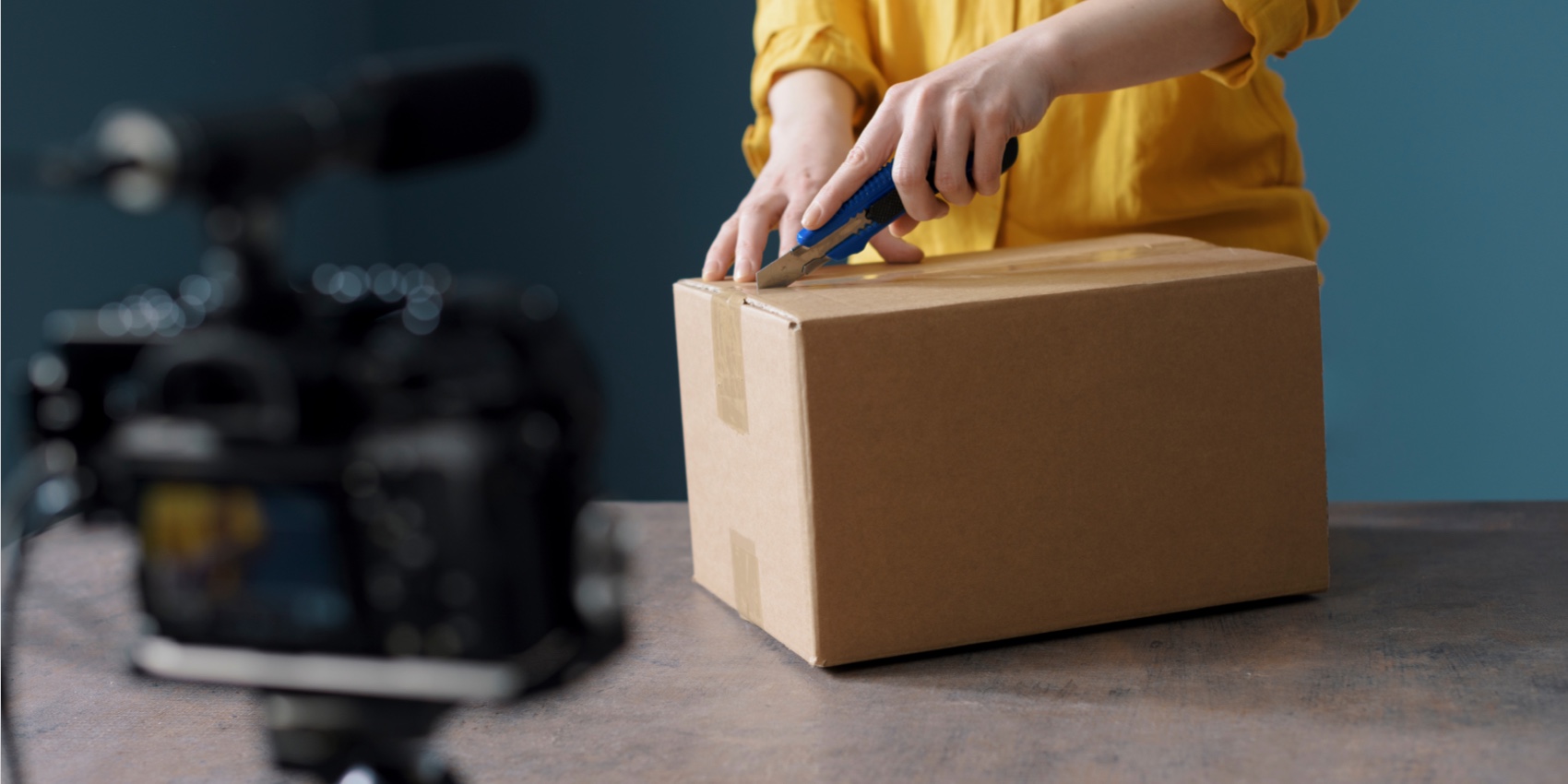
Your product has not changed.
The packaging still looks good. The unboxing sequence still works. The close-up shots are sharp. The demonstration still explains the product better than a dozen photos ever could.
But the video says:
“Launch Price: $39”
Or:
“Black Friday Sale”
Or:
“Use Code SUMMER20”
Now the campaign is over, the price has changed, and an otherwise useful video is sitting in an archive because one small text overlay is no longer accurate.
The obvious solution is to reshoot everything.
It is also usually the most expensive solution.
The Real Problem Is Not the VideoMost product videos contain two different types of information:
- Product truths — what the product looks like, how it opens, how it works, what is included, and how it is used.
- Campaign facts — prices, discount percentages, coupon codes, sale labels, launch dates, shipping offers, and limited-time messages.
Product truths may remain useful for months or years.
Campaign facts can expire in a weekend.
When both are permanently baked into the same exported video, the entire asset inherits the lifespan of its shortest-lived message. A three-second “20% OFF” label can make a professionally produced video unusable as soon as the promotion ends.
A better approach is to recover the evergreen footage, remove the expired campaign layer, and rebuild the video around the new offer.
What Can Make a Product Video Outdated?Price text is only the most obvious example. Before reusing a product demo or unboxing video, look for every element that may have expired.
Element in the video Usually reusable? Recommended action Product demonstration Yes Keep Unboxing sequence Yes Keep if packaging is unchanged Product close-ups Yes Keep Old price No Remove and replace Discount percentage No Remove and replace “Sale” badge No Remove when the promotion ends Coupon code No Replace or move outside the video Campaign date No Remove Countdown message No Remove Shipping promise Check Confirm that it is still accurate Product dimensions Check Verify against the current version Capacity or weight Check Verify against the current SKU Feature claim Check Confirm that the feature still exists Warranty period Check Verify current terms Supplier logo Depends Remove only when you have the right to do so Burned-in subtitles Depends Remove if you need new copy or localization Product packaging shown on camera Check carefully Reshoot if the physical packaging itself is outdated
This distinction matters because removing an overlay is relatively simple. Correcting information printed on the physical product, box, manual, or label may require cropping, replacement footage, or a full reshoot.
The Better Way: Create a Clean Master VideoInstead of treating the old export as a finished campaign asset, treat it as raw material.
The goal is to create a clean master: a version containing the valuable product footage but none of the temporary promotional text.
From that clean master, you can produce multiple campaign versions:
- Regular-price product video
- Flash-sale version
- Holiday promotion
- New-customer offer
- Marketplace-specific version
- Localized version
- Wholesale or distributor version
- Organic social post
- Paid-ad variation
You remove the outdated material once, then reuse the clean footage many times.
How to Reuse a Product Demo Video for a New OfferStep 1: Audit Every Frame Before Editing
Watch the complete video with the sound on, then watch it again without sound.
Create a list of anything that could be inaccurate:
- Price
- Sale label
- Coupon code
- Promotion date
- Product specification
- Packaging
- Website address
- Call to action
- Subtitle
- Voice-over claim
- Logo or seller name
- Delivery promise
- Warranty information
Do not only check the opening title and final screen. Old campaign information often appears briefly in transitions, animated stickers, lower thirds, comparison charts, or background screens.
Also compare the video with the current product page. The offer, product name, available variants, specifications, and landing-page terms should agree.
Step 2: Remove the Old Price or Promotion Text
If the outdated information is a hardcoded overlay, it cannot be edited like a normal text box. The letters have already become part of the video pixels.
This is where an AI video text remover is useful. Instead of covering the old price with a blur or solid rectangle, the tool can reconstruct the area using visual information from the surrounding frames.
The basic workflow is simple:
- Upload the product video.
- Identify or process the area containing the unwanted text.
- Remove the old price, Sale tag, coupon code, or specification.
- Preview the repaired section carefully.
- Download the cleaned result.
AI removal usually works best when the text sits over a stable background, such as a tabletop, wall, box surface, or softly blurred scene.
Pay closer attention when:
- A hand moves across the text
- The camera pans or zooms
- The overlay covers a reflective product
- The background contains a detailed pattern
- The text overlaps the product itself
- Several graphics appear in the same area
- The label is semi-transparent
- The old text follows a moving object
Review these moments frame by frame. A result that looks clean while paused may still flicker during playback.
Step 3: Decide Whether to Replace the Text
Removing an old price does not mean you must add a new one.
In many cases, the most reusable version of a product video contains no fixed price at all. The current offer can appear in the ad headline, post caption, product card, landing page, or marketplace listing.
Keeping prices outside the rendered video has several advantages:
- The same video can support several markets and currencies.
- A price change does not require another video edit.
- Different audiences can receive different offers.
- The promotion can be paused without retiring the creative.
- Product feeds and landing pages remain the source of truth.
Add a new price directly to the video only when the price is central to the creative concept or needs to be understood without supporting copy.
Step 4: Rebuild the Promotional Layer
If you do add new text, create it as an editable layer in your video editor.
Keep the message short. A product demo does not need to become a moving product page.
A clear promotional sequence might be:
- Hook: “A faster way to organize your desk”
- Product proof: Show the product in use
- Offer: “Save 15% this week”
- Action: “Shop the new colors”
Place important text away from interface elements that may cover it on vertical video platforms. Preview the asset in every intended aspect ratio rather than assuming one layout will work everywhere.
For example, a price placed neatly in the lower-right corner of a landscape video may be hidden by buttons, captions, or account information in a vertical feed.
Step 5: Separate Subtitles From Promotional Text
Subtitles and campaign overlays may look similar, but they should be managed differently.
If captions are available as an SRT, VTT, or platform caption track, edit or replace the caption file. There is no reason to alter the video pixels.
If the subtitles are burned into the footage, they must be visually removed before you can create a clean localized version. A dedicated tool to remove subtitle from video can help when the captions are permanently embedded in the image.
After cleaning the footage, consider keeping future subtitles as a separate caption file. This makes it easier to:
- Correct mistakes
- Update wording
- Add new languages
- Improve accessibility
- Adapt captions for different platforms
- Reuse the same clean video in several markets
Burned-in captions can still be useful for silent autoplay, but keep an uncaptioned master in your asset library.
Step 6: Export an Evergreen Version First
Before creating the new promotion, export a neutral version with:
- No price
- No coupon
- No campaign date
- No temporary Sale badge
- No seasonal language
- No expired call to action
This becomes your reusable master.
Then create campaign-specific copies from it. Use clear filenames such as:
- product-demo-clean-master.mp4
- product-demo-spring-sale-us.mp4
- product-demo-new-customer-uk.mp4
- product-demo-organic-no-price.mp4
It is a small organizational habit that prevents teams from accidentally publishing the wrong offer.
When You Should Reshoot InsteadAI removal is powerful, but not every outdated video should be repaired.
Reshoot or replace the affected scene when:
- The product itself has visibly changed
- The old price is printed on the physical packaging
- The video demonstrates a discontinued feature
- The included accessories are different
- The product dimensions or capacity have changed
- The old branding occupies most of the frame
- Removal would erase important product details
- The original footage is already low-resolution
- You do not have permission to reuse the source material
A clean technical edit cannot make a misleading product demonstration accurate.
If the footage shows an older model while the landing page sells a newer one, the problem is not the text. The problem is the product representation.
What About Removing a Logo From a Product Video?There are legitimate reasons to remove a logo from video footage. A seller may be updating their own brand, replacing an old store identity, or adapting an authorized supplier video for a licensed campaign.
However, logo removal does not change ownership.
Only remove a supplier, marketplace, creator, or agency logo when you own the footage or have permission to edit and reuse it. If the rights are unclear, request a clean source file from the original owner.
For your own brand assets, save a logo-free master and add platform-specific branding as an editable layer. That gives you more control over placement, size, animation, and future rebranding.
A Practical ExampleImagine you have a 25-second unboxing video for a portable blender.
The footage is still accurate, but it contains:
- “Launch Price: $49”
- A red “20% OFF” sticker
- “Free Shipping Until May 31”
- Burned-in English captions
- An old logo on the end screen
You do not need to remake the unboxing.
A more efficient workflow is:
- Remove the price, discount sticker, shipping deadline, and old end-screen logo.
- Export a clean version of the unboxing.
- Replace the end screen with the current brand.
- Add the new campaign message as an editable layer.
- Create separate caption files for each language.
- Export vertical, square, and landscape versions.
- Verify that every promise matches the current landing page.
One successful shoot can now support several campaigns instead of one.
The Final Quality CheckBefore publishing a reused product video, ask:
- Is every visible price current?
- Is the Sale label tied to a real, active promotion?
- Does the discount match the landing page?
- Is the coupon code valid?
- Are all dates correct?
- Are product specifications still accurate?
- Does the packaging match what customers receive?
- Are shipping and warranty claims still valid?
- Are captions readable and correctly timed?
- Is important text visible in the platform’s safe area?
- Are there flickers or reconstruction artifacts?
- Do we own or have permission to reuse every visual element?
- Does the final call to action lead to the correct page?
Watch the exported file once on a phone before launching it. Small text, edge artifacts, and blocked overlays are much easier to notice on the screen where customers will actually see the ad.
Final ThoughtsProduct footage is often more durable than the campaign that first used it.
The mistake is permanently attaching short-lived prices, dates, discount labels, and coupon codes to expensive footage without preserving a clean version.
When the product is still accurate, remove the expired text, rebuild the promotional layer, and save an evergreen master. You will spend less time reshooting, create campaign variations faster, and get more value from every product demo or unboxing video you produce.
The best reusable product video is not the one with the most information baked into it.
It is the one that is easiest to update when the next offer begins.